 WhatsApp Us Now
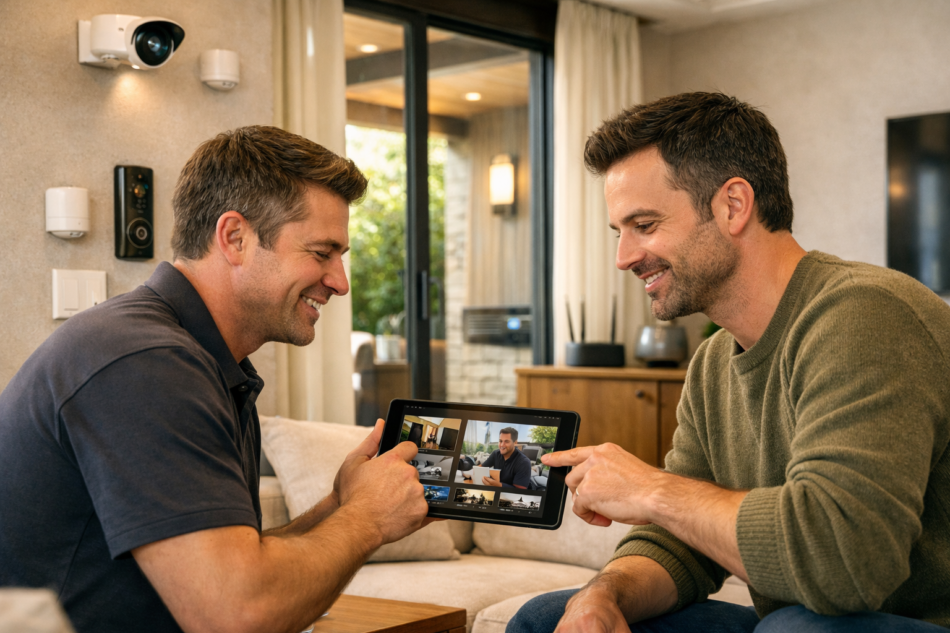
Adding Smart Home Security Integration to your house can improve safety and make daily life easier. A connected security system allows different devices to work together, such as cameras, smart locks, motion sensors, alarms, and mobile apps. Before connecting these devices, it is important to check a few key points. Proper planning helps reduce future problems, improves performance, and makes the system easier to use. Understanding these important checks will help you build a reliable and secure smart home.
Check Device Compatibility
The first thing to check is whether all security devices can work together. Some products are designed for specific systems and may not connect with devices from other brands.
Before buying any equipment, review the supported communication methods such as Wi-Fi, Zigbee, Z-Wave, or Bluetooth. When devices use compatible technology, they can communicate smoothly without frequent connection issues.
Choosing compatible products also makes it easier to manage everything through one mobile application instead of using several different apps.
Make Sure Your Internet Connection Is Stable
A smart security system depends on a reliable internet connection. Cameras, sensors, smart doorbells, and mobile notifications all need a stable network to work correctly.
Check your Wi-Fi coverage in every area where security devices will be installed. Weak signals may cause delayed alerts, poor video quality, or temporary device disconnections.
If some areas have weak coverage, adding a Wi-Fi extender or improving router placement can provide a stronger connection throughout the home.
Review Your Home Layout
Every home has a different design, so it is important to plan device locations before installation.
Think about the main entry doors, windows, garage, backyard, hallways, and other areas that need monitoring. Cameras should have a clear view without obstacles, while motion sensors should cover important walking paths.
Planning device locations in advance helps reduce blind spots and improves overall security coverage.
Check Power Requirements
Some smart security devices use batteries, while others require a direct power connection.
Battery-powered devices are easier to install because they do not require wiring. However, batteries need regular replacement or charging.
Wired devices usually provide continuous operation but may require additional installation work. Understanding the power needs of each device helps avoid unexpected interruptions later.
Understand Privacy and Data Protection
Many smart security devices collect video recordings, images, and activity logs. It is important to understand how this information is stored and protected.
Choose strong passwords for every device and enable two-factor authentication whenever it is available. Keep software updated because updates often include security improvements.
Protecting your account helps reduce the risk of unauthorized access to your home security system.
Test Mobile App Features
Most modern security systems are controlled through a smartphone application. Before choosing a system, review the available app features.
Useful features may include live camera viewing, instant alerts, remote locking and unlocking, activity history, and device management.
A simple and easy-to-use app allows family members to control the system comfortably without confusion.
Think About Future Expansion
Your security needs may change over time. You may decide to add more cameras, smart lights, smoke detectors, or additional sensors in the future.
Selecting a system that supports future upgrades helps avoid replacing the entire setup later. A flexible system can grow with your home’s changing requirements.
Planning ahead also helps save time and reduces installation work when adding new devices.
Check Installation Requirements
Some smart security products are simple enough for homeowners to install, while others may require professional installation because of wiring or advanced configuration.
Before starting, understand the installation steps, required tools, and possible challenges. Proper installation helps devices work correctly and reduces future maintenance problems.
Carefully following the manufacturer’s instructions also improves long-term reliability.
Test System Performance
After installation, every device should be tested carefully.
Open doors and windows to check sensors. Walk through monitored areas to test motion detectors. Review camera images during both daytime and nighttime. Confirm that alerts reach your phone without delay.
Testing helps identify small issues before you begin depending on the system every day.
Keep Software Updated
Smart security devices receive software updates regularly. These updates may improve performance, fix technical problems, and strengthen security.
Enable automatic updates if the option is available. Also, check occasionally for firmware updates for cameras, locks, sensors, and other connected devices.
Keeping software current helps maintain smooth operation and better protection over time.
Create a Backup Plan
Even the best security systems can experience internet outages or power interruptions.
Consider using backup batteries for important devices. Some systems also provide local storage or backup communication options during temporary network failures.
Having a backup plan helps maintain security even when unexpected situations occur.
Review User Access
If multiple family members use the system, decide who should have access to different controls.
Some users may only need notification access, while others may require full control over cameras, locks, and alarms.
Managing user permissions carefully helps improve security while keeping the system easy for everyone to use.
Finally, taking time to review compatibility, internet quality, installation planning, privacy, device placement, software updates, and future expansion can make Smart Home Security Integration more reliable, easier to manage, and better prepared for everyday use.


